Kitchen tablet
One tablet in the kitchen, and every entry has the name of the person who made it
Pair a tablet with the venue and leave it in the kitchen. Staff pick their name, enter their four-digit PIN and record the checks due today. Nobody shares a login, and staff do not need an email address.
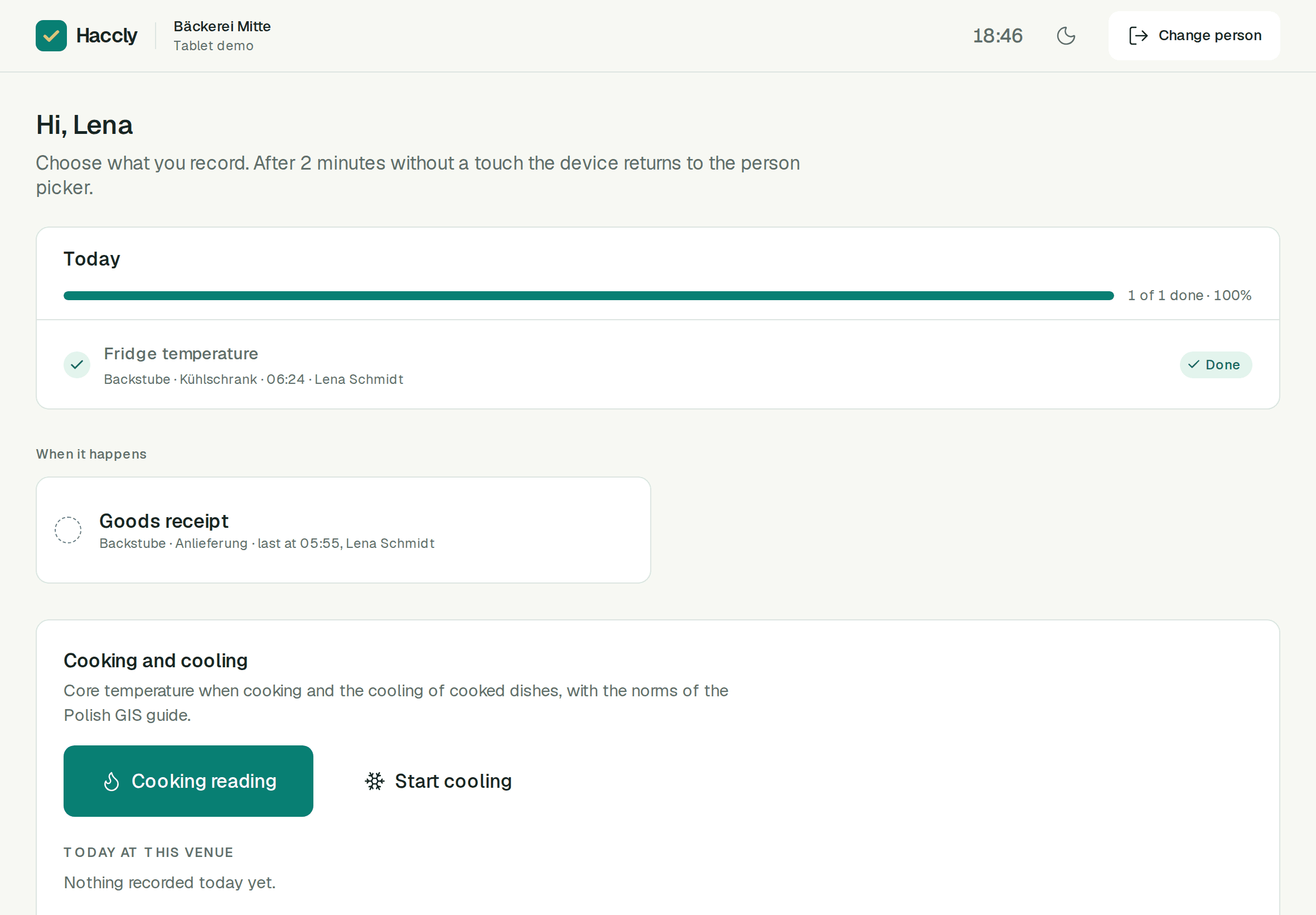
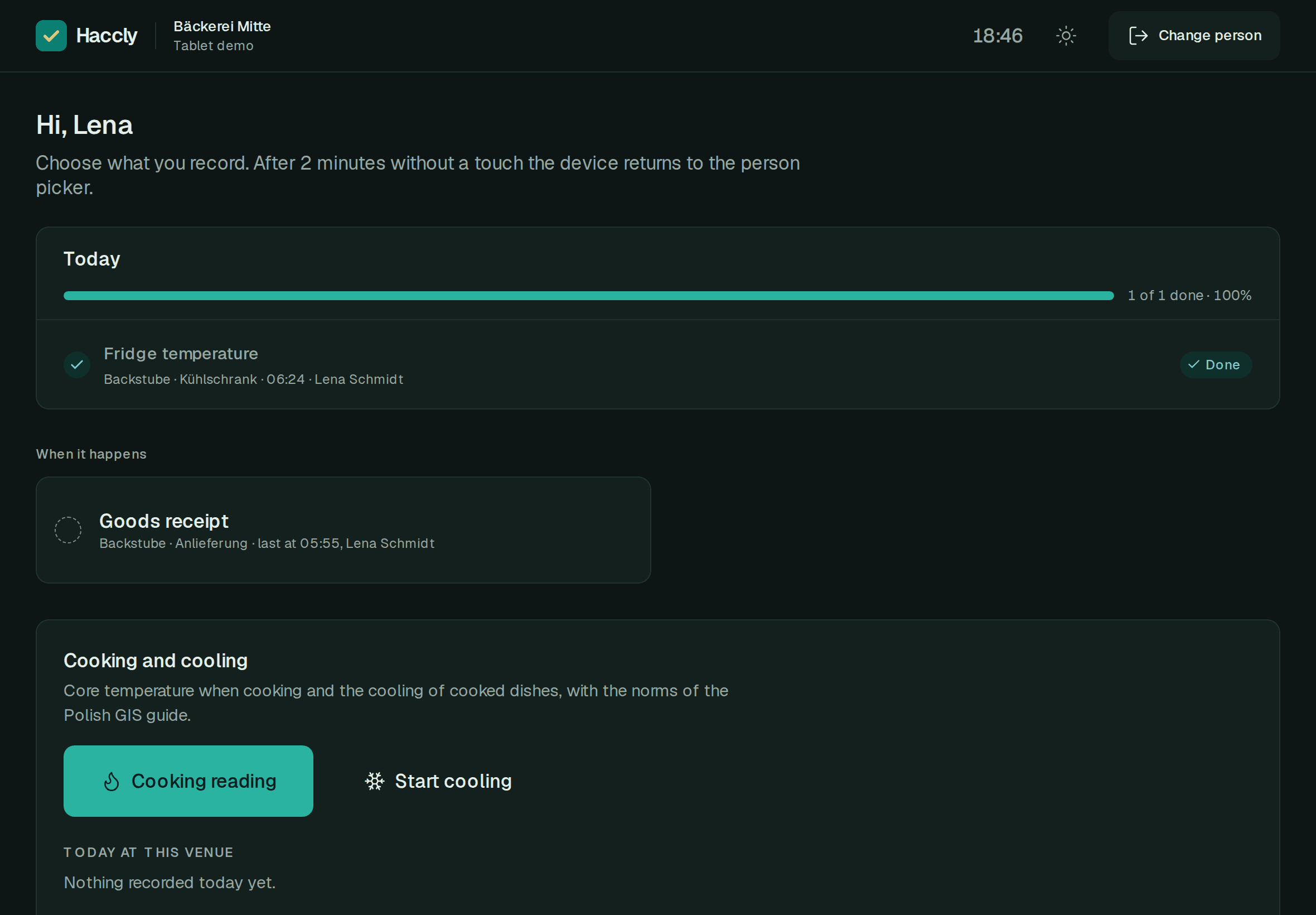
Set up the kitchen tablet in four steps
Pair the tablet
A manager opens Devices in Haccly and creates a QR code with a backup code of 8 characters. The code works for 10 minutes, once. A manager signed in on the tablet can also turn that browser into the venue device.
Add the team
Staff accounts need no email address. The setup wizard adds them with the venue, or you add people later under Team.
Each person chooses a PIN
A PIN has 4 digits. The first time someone chooses it on the tablet, a manager confirms it with their own PIN. People with their own account can also set it under My account.
Record the checks
After the PIN, the tablet shows the venue’s checks for today, recorded or not yet. Choose one and make the entry.
What staff record on the tablet
- Today’s checks of the venue, each marked as recorded today or not yet.
- The reading, with the set range of the equipment beside it.
- A reading outside its limit cannot be saved until someone chooses the corrective action.
- A photo attached to the entry, for example of the thermometer display or the delivery note.
- Cooking and cooling records, when the venue’s plan includes that module.
- Every entry keeps the name of the person and the time.
A shared tablet that stays in order
- The tablet belongs to one venue and works until a manager revokes it in Devices. Revoking signs everyone on it out.
- After 2 minutes without a touch it goes back to “Who is working?”. The next person can also tap “Change person”.
- After 5 wrong PINs that person’s profile is locked for 5 minutes, and the managers get an email.
- The PIN shows who made the entry. It is not an electronic signature.
What you need
- A tablet or phone with an up-to-date web browser. The venue device works in the browser, with nothing to install.
- An internet connection, because saving entries needs it.
- Any Haccly plan: the kitchen tablet is included from Mini, and in the 30-day free trial.
Managers on their own phone
Owners, managers and staff with their own account can use Haccly on their phone too, signed in with their email.
Haccly on the phoneChecks on time, a report in seconds, access under control
Create an account and use every module free for 30 days, no card needed. Prefer to see it first? We will show you the app on a video call.